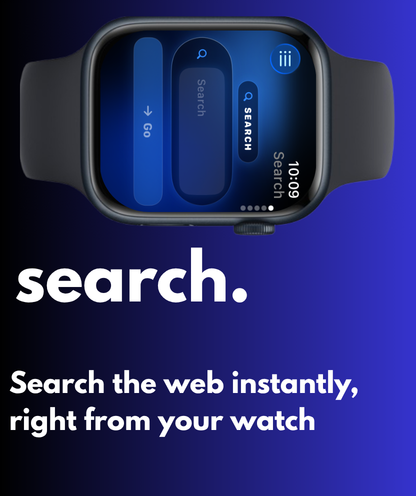
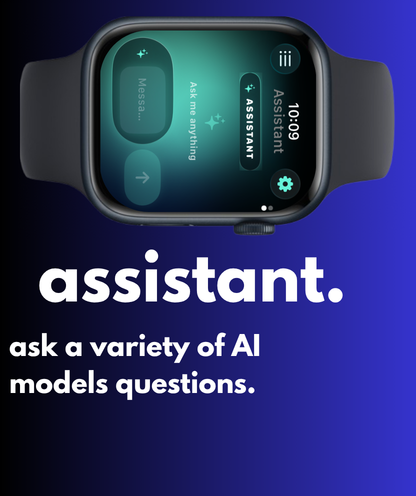
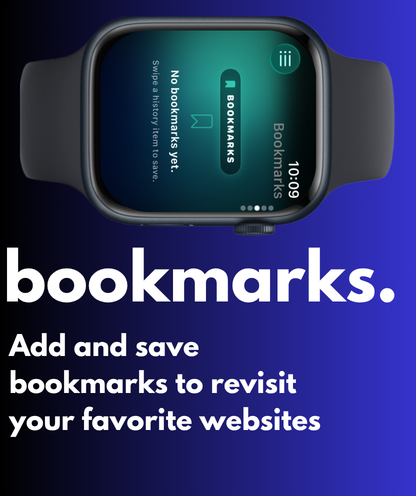
Fern Browser is a standalone watchOS app for searching the web, opening any URL, saving bookmarks, and chatting with leading AI models — without ever picking up your phone.
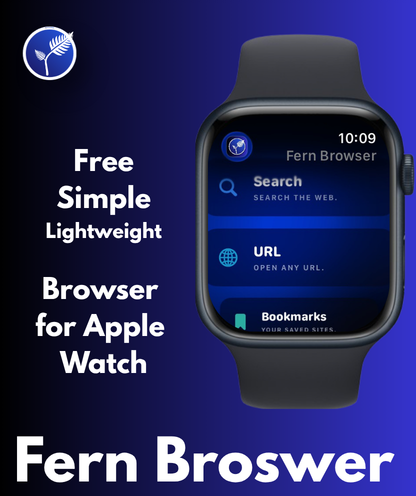
Inside the app
Every screen designed around the wrist: glance-able, one-handed, and lit up with an animated aurora behind the glass.
Type or dictate, hit go.
Pick a model, ask anything.
Saved sites, one tap away.
Features
Type or dictate a query and Fern opens the results in Apple's secure web view. Your search history stays on the watch.
Pick from DeepSeek, Llama, Gemini, Claude, GPT-4o, and more — through OpenRouter. Switch models with one tap. Free models included.
API keys live in Apple Keychain, locked to this device. AutoFill from the Passwords app means you never type your key by hand.
Save what you visit. Swipe to bookmark from history. Grouped by day, always one tap from opening again.
Setup
Paste your OpenRouter key below on iPhone or Mac Safari. iOS will offer to save it to your Passwords app, tagged to this site — and once it's there, Fern Browser on your watch can AutoFill it without you ever typing again.
Look for the "Save Password?" prompt at the top of Safari, then tap Save Password. After that, open Fern Browser on your watch, tap the API Key field, and choose this entry from the Passwords sheet.
Privacy
Built so that you can use AI on your wrist without trading away your information. Nothing on a server we don't control — because there is no server we control.
Free on the App Store, ad-free forever.
Download on the App Store